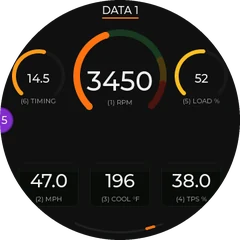
Data 1
Up to 8 live readings from your car: one big centre value plus a ring of smaller ones.
Button Demo on / off
What the gauge shows, what the app does, and how to get the most out of both. Every picture here is the gauge's real screen.
Thirteen screens, plus the map view and the check-engine alert. Swipe through them from the app's gauge remote. Choose which ones you see, and in what order, in the Modes tab. Each screen's remote button is listed under it.
Up to 8 live readings from your car: one big centre value plus a ring of smaller ones.
A second set of readings with its own layout, plus a live trace of the main value.
Texts, calls and app alerts pop up over any screen for about 5 seconds: the app, who it's from and the message (long ones scroll). The edge glows in the app's color and a counter shows how many are unread.
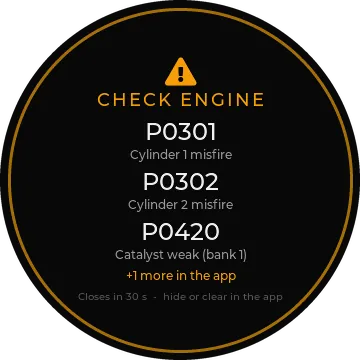
Appears over any screen when the car stores a new trouble code. More below.
The same screen as a round map that turns with the car. Pick map or arrows in the app.
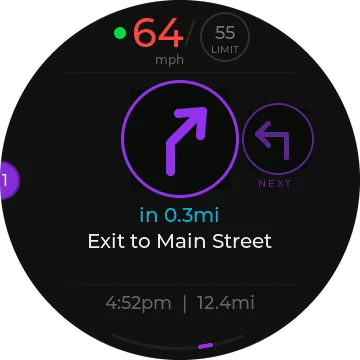
Turn-by-turn from the app with big arrows, the street name, your speed, the limit and arrival time.
What's playing on your phone, with the artist and album.
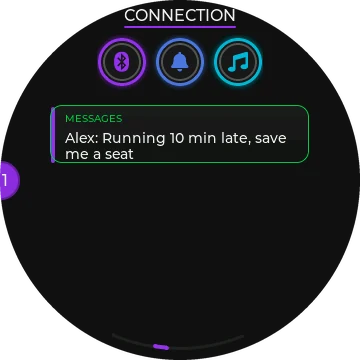
Phone status and your latest calls, texts and app alerts.
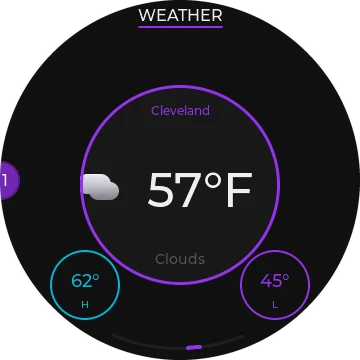
Current temperature and conditions where you are, with the day's high and low.
A three-ring clock with the date and day.
Cornering, braking and acceleration force, with the peak held.
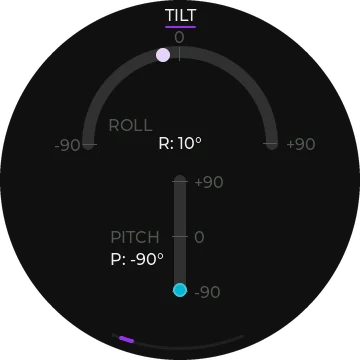
Pitch and roll angles. Handy off-road.
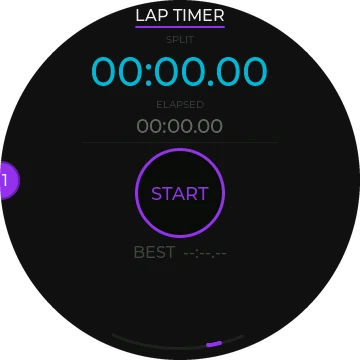
Lap times, your best lap and the gap to it.
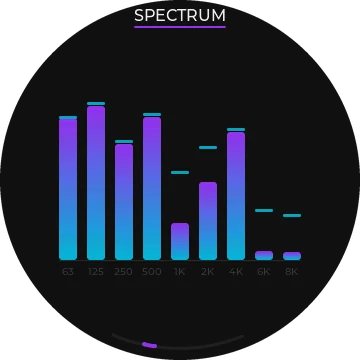
A 9-band spectrum of the sound in the car.
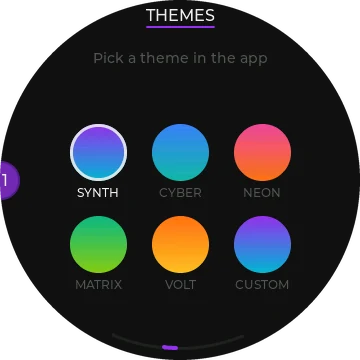
Shows the colour themes. Five presets and one you build in the app.
0-60 mph (0-100 km/h), 1/8 and 1/4 mile times and trap speeds. Off until you turn it on.
Type a destination in the app's Navigate tab and tap Go. The phone works out the route and streams it to the gauge. Choose how it looks with "On the gauge: Map / Arrows".
The gauge shows Rerouting and the app finds a new route by itself. No taps needed.
The gauge reads your car directly through the OBD-II port, many times a second. It only reads. It never writes anything to the car. In the app's Data tab, tap any slot on the preview to choose what goes there.
What your car reports depends on the car. A reading your car doesn't send shows "--".
Set a warning for any reading. The value turns to the warning colour when it crosses your limit.
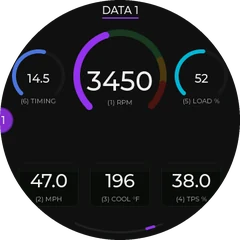 Synth
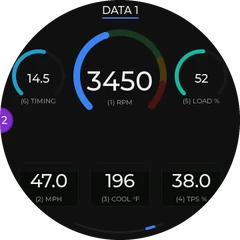 Cyber
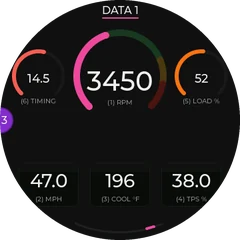 Neon
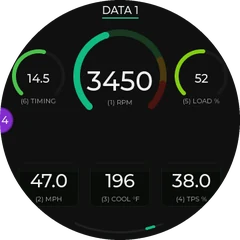 Matrix
 Volt
Plus Custom: pick your own two colours in the app.
Everything you'd do with buttons happens in the app.
Say any of these. They also appear in the Shortcuts app.
| Display | Round, 360 × 360 pixels |
|---|---|
| Fit | Standard 52 mm gauge pod |
| Phone link | Bluetooth LE 5.0. iPhone required. Android coming later. |
| Car link | OBD-II (CAN). Read-only |
| Sensors | 6-axis motion sensor, real-time clock |
| Power | From the OBD-II port. Sleeps when the car is off |
| Subscription | None. No account, no cloud |
Set up screens, routes and settings while parked. Keep the gauge and cable clear of airbags, the steering wheel and the pedals. The Performance timer and the lap timer are for closed courses only. Obey traffic laws.